3–5
hours a week spent on manual writing and design


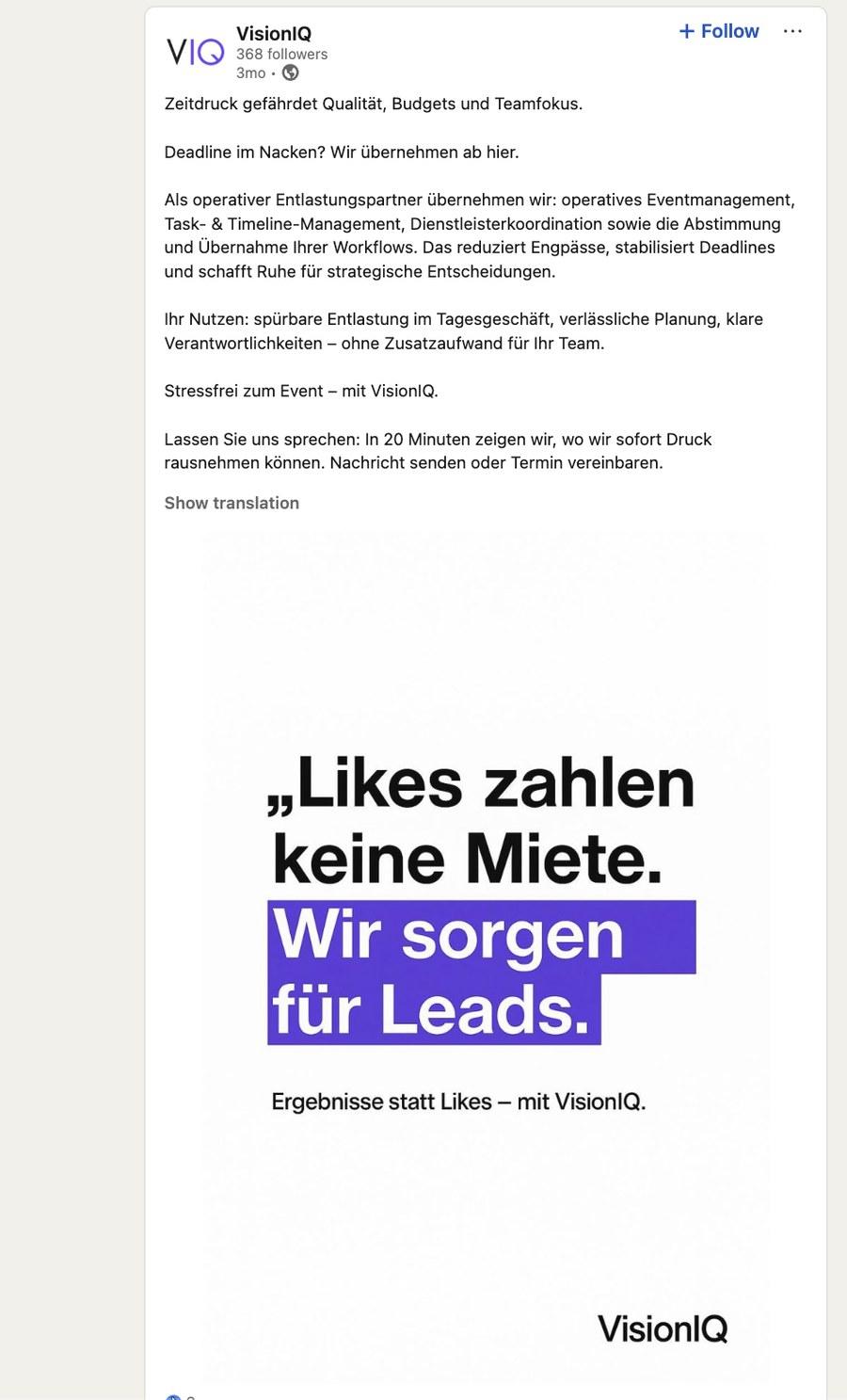
We built the system that turns one flagged row in a content calendar into a finished, on-brand LinkedIn and Instagram post — copy, graphic, and a human’s final yes — without anyone opening a design tool.
VisionIQ is a marketing and event-management agency based in Germany. Their pitch to clients is operational relief — they run the event management, the timelines, the vendor coordination, so their clients’ teams don’t have to. Their own growth channel makes the same promise, repeated in public: „Wir sorgen für Leads“ — organic content on LinkedIn and Instagram that turns their operational discipline into visible proof.
That only works if the content actually goes out — every week, on-brand, on both platforms, without fail. But the same team running client events had no spare capacity to also write, design, and schedule its own marketing. The agency selling other people relief from deadlines was quietly missing its own.
Every post — LinkedIn and Instagram — was built by hand: the copy written twice, once in a business register for LinkedIn and once with a warmer hook for Instagram, then a design tool opened to build a graphic that matched the brand’s exact palette and layout rules from a blank canvas.
None of that judgment was optional, even for routine posts — a stat callout, a location update cost the same afternoon as anything else. There was no system holding the brand consistent between one session and the next; consistency lived in memory, not in a spec.
The team already ran their content plan from a spreadsheet — so we didn’t ask them to adopt a new tool. We turned that spreadsheet into the trigger, the brand system, and the approval gate for a fully automated pipeline.
The calendar stays the interface — a checkbox is the entire control panel, no new software for the team to learn.
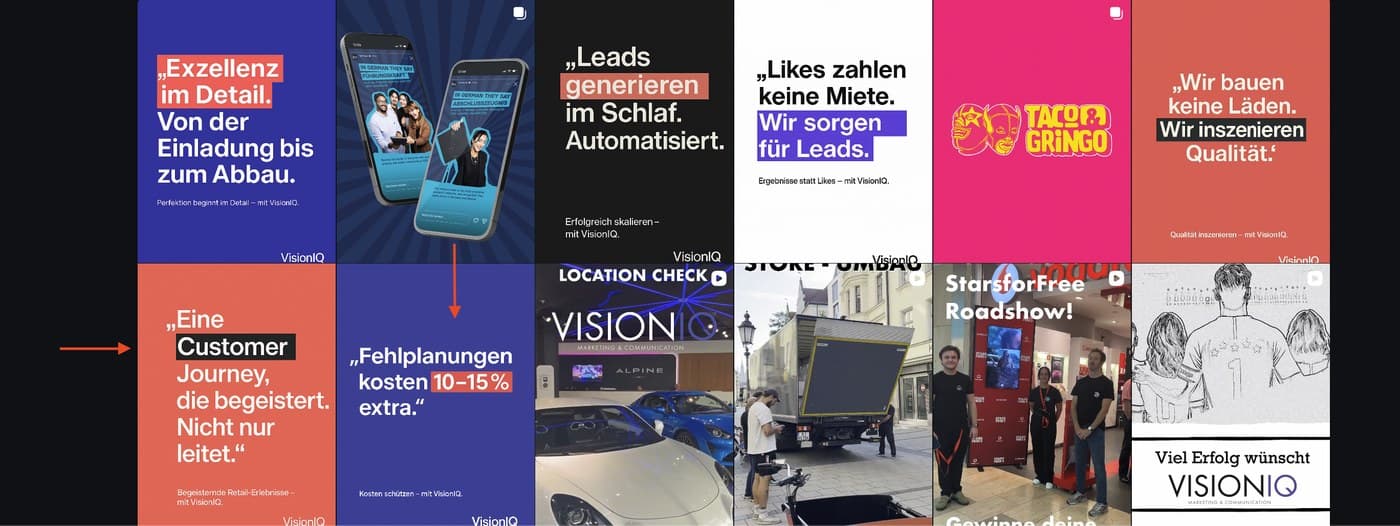
Brand consistency is enforced by the machine, not memory — exact palette, layout logic, and zero-typo German copy are written into every generation.
Nothing publishes without a human’s yes — generation and publishing are two separate gates, on two separate schedules.
Exact hex codes, forced logo placement, the "marker highlight" treatment on key stats, and a double-check instruction against German spelling errors are written directly into the image-generation prompt — not left to whoever’s designing that day.
Branching logic decides whether a row needs Instagram, LinkedIn, or both, and only ever writes back the cells that row owns — nothing else gets touched.
A row goes live only if it’s approved, content-complete, scheduled, and not already marked posted. Miss any one of those, and the scheduler skips it — silently, safely.
A four-step Graph API handshake — token, site, drive, table — means there’s no separate content tool bolted on. Everything stays inside the SharePoint the agency already runs.
Writing and design are fully automated. A human still reviews and approves every post before it ships — this removed the production work, not the final judgment call.
Figures reflect the agency’s own estimate of prior manual effort. VisionIQ reviews and approves every post before it publishes — the system is not fully unattended, and isn’t meant to be.
The pattern here isn’t specific to VisionIQ or to SharePoint — a spreadsheet as the single source of truth, brand rules encoded once, and a human approval gate before anything goes live. That shape fits any team spending hours a week on manual content, running on whatever calendar they already trust: Airtable, Notion, Google Sheets, or the Microsoft 365 they’re already inside.